Orders land in the right place, at the right moment
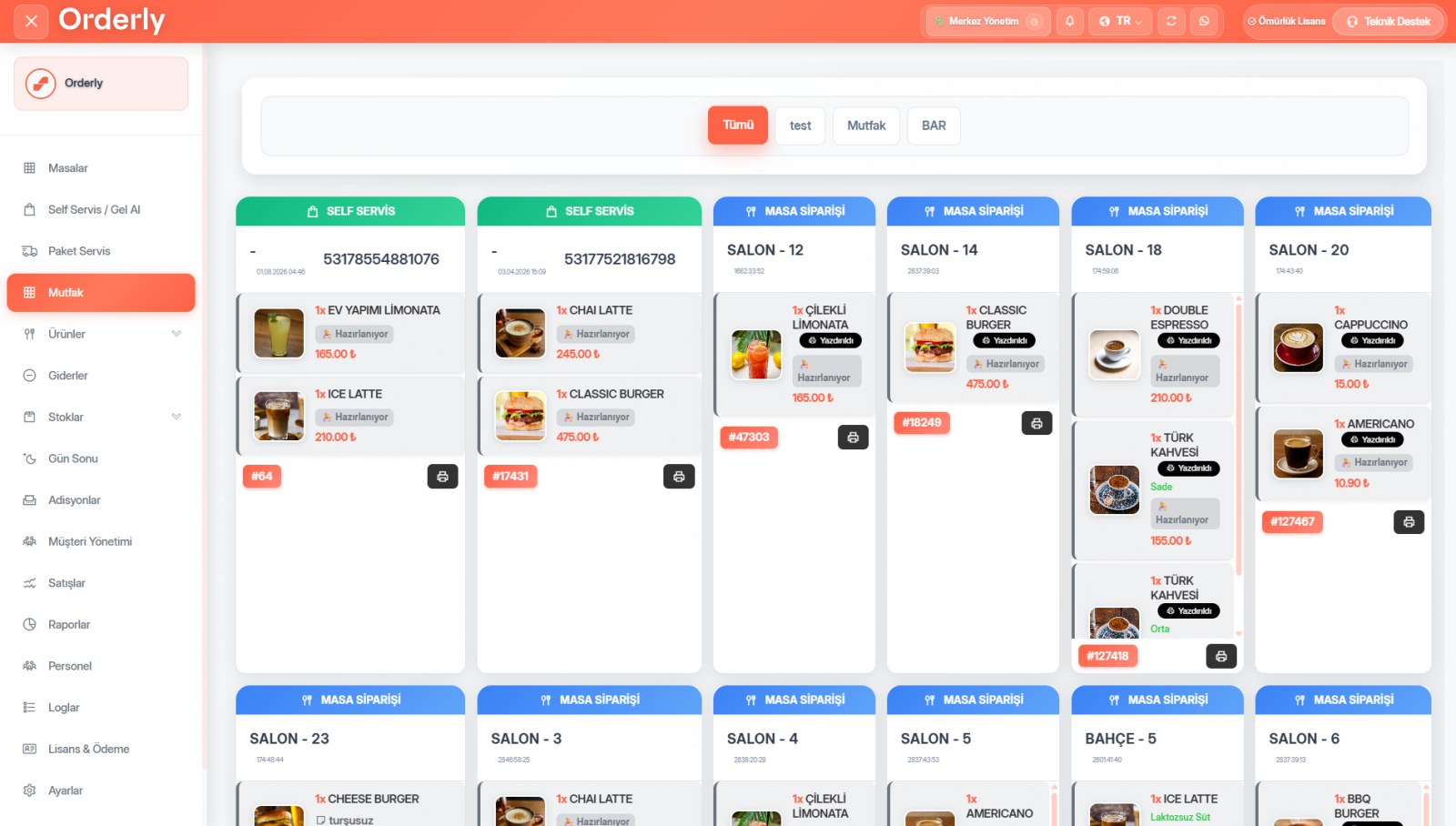
The kitchen display does more than show orders. In Orderly you define kitchen sections and each can have its own printer; you can also route printing by dining section.
Section-based routing
Drinks go to the bar, grills to the kitchen, desserts to pastry. Garden orders print on the garden printer. You can define four main till printers, and on top of these each kitchen section and each dining section gets its own printer.
Orders sent to the kitchen are protected
An order line that has already gone to the kitchen does not merge with the old line when the same item is added again; it opens as a new line. The reason is concrete: if lines were merged, the “printed” flag would be lost and unauthorized staff could delete the part that already went to the kitchen. This behavior is blocked on purpose.
Sound alerts and printer monitoring
The number and length of beeps for new orders is adjustable and can be tested from the settings screen. If a printer disconnects, a warning appears on screen — you find out the ticket didn't print right away, not in the middle of service.
Cash drawer automation
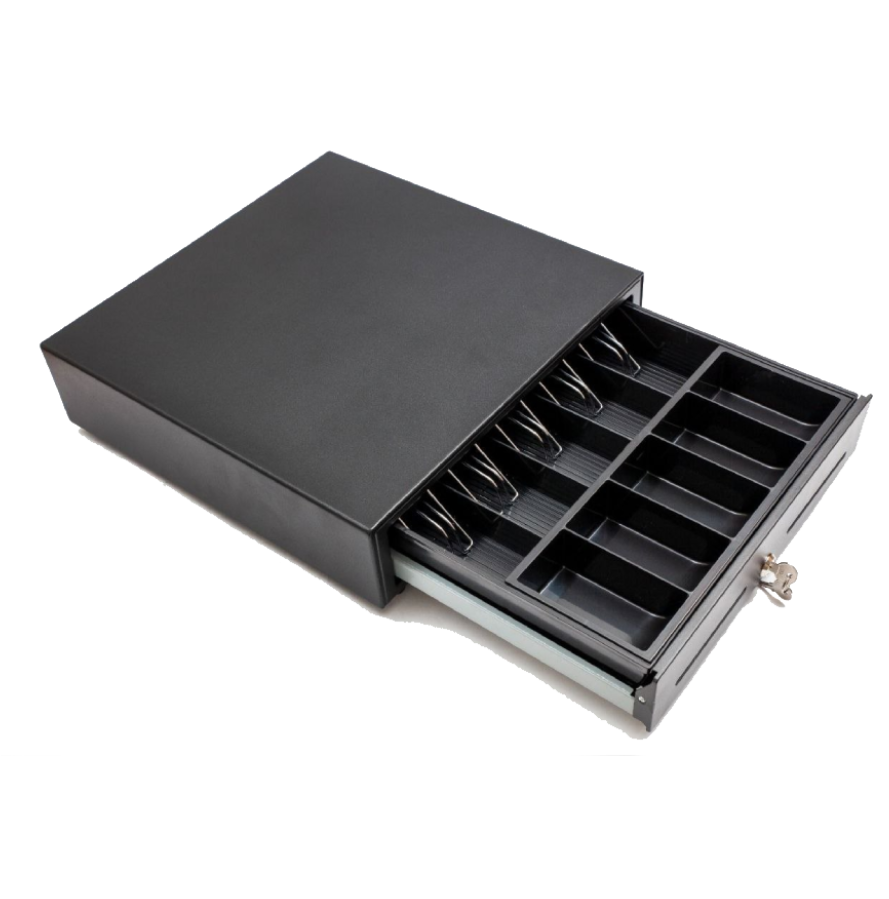
When a cash payment is taken, the cash drawer opens automatically. The drawer is driven through the printer; no separate cable or software is needed.
About Kitchen Display & Station Management
You can define four main till printers. On top of these, each kitchen section (bar, grill, pastry and so on) and each dining section can have its own printer. In practice, you can set up every station you need.
Of course. The kitchen display and kitchen tickets can be used together or separately. Section-based printer routing works either way.
Kitchen Display & Station Management included — everything in a single license
8,500 ₺ + VAT per year. Try free for 10 days, no credit card required.
You might also like
Customer Accounts & Open Tabs
See not just who owes how much, but which bill and which items that balance came from.
Automatic Costing & Profitability
Just enter your purchase invoice; unit costs and every recipe cost update themselves.
Caller ID — Mobile and Landline
When the phone rings, the customer's name, addresses and recent orders are already on screen. No PBX required.