Already have devices?
Keep them.
Orderly runs in the browser; you can use the computer, laptop or tablet you already have. If you're starting from scratch, you can get the devices below from us. Prices are published — no need to wait for a quote.
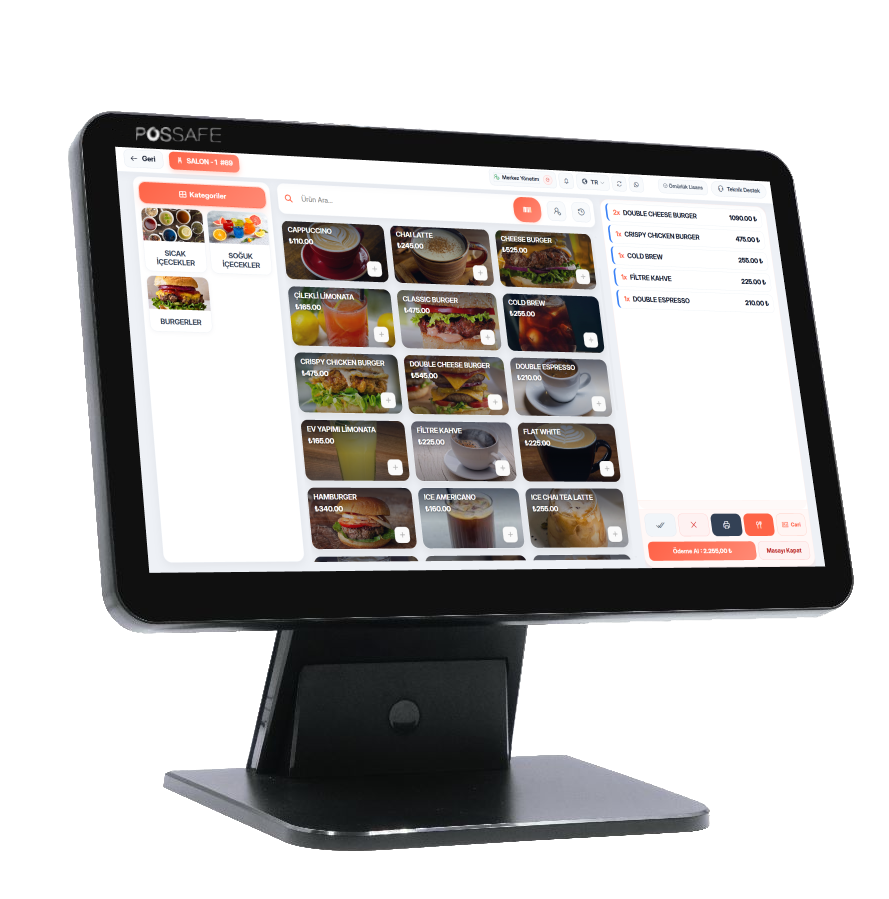
HD 156N POS PC
- Processor
- Intel Celeron J4125 / J6412 / i3 / i5 / i7
- RAM
- 8 GB (optional upgrade)
- Storage
- 120 GB mSATA (optional upgrade)
- Display
- 15.6-inch LED, 1366 × 768
- Touch
- 10-point capacitive
- Customer display
- 11.6-inch LCD (optional)
- Ports
- 1× COM / 4× USB 2.0 / 2× USB 3.0 / LAN / HDMI / VGA
- Network
- 10/100/1000 Ethernet, Wi-Fi (optional)
- Operating system
- Windows 8/10/11, IoT, Android, Linux
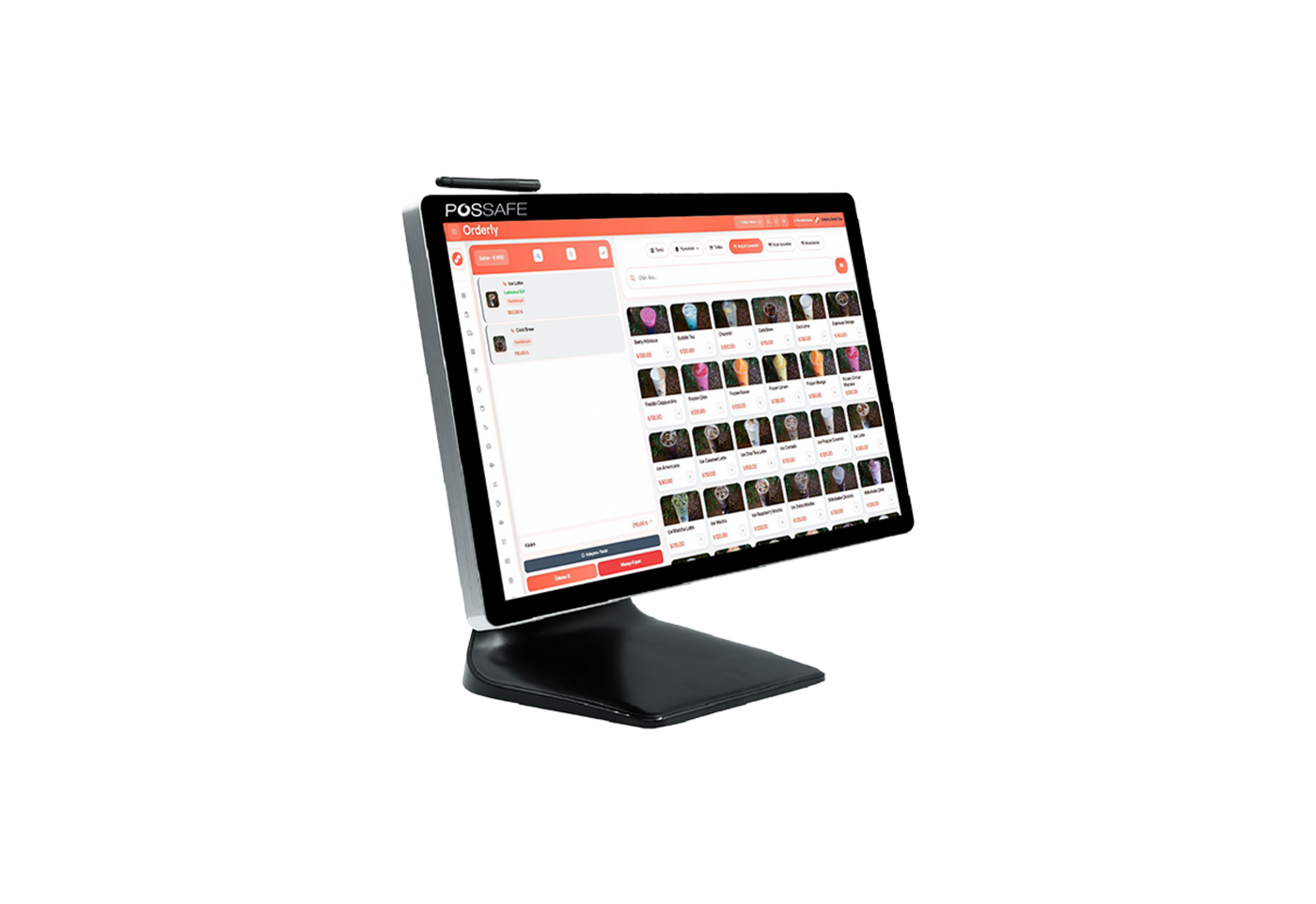
HD185 POS PC
- Processor
- Intel Celeron N5095 / J6412 / i5 / i7
- RAM
- 8 GB (optional upgrade)
- Storage
- 120 GB (optional upgrade)
- Display
- 18.5-inch LED, 1366 × 768 (optional Full HD)
- Touch
- 10-point capacitive
- Customer display
- 9.7" / 13.3" LCD (optional)
- Ports
- 1× COM / 4× USB 2.0 / 2× USB 3.0 / LAN / HDMI / VGA
- Network
- 10/100/1000 Ethernet, Wi-Fi (optional)
- Operating system
- Windows 8/10/11, IoT, Android, Linux
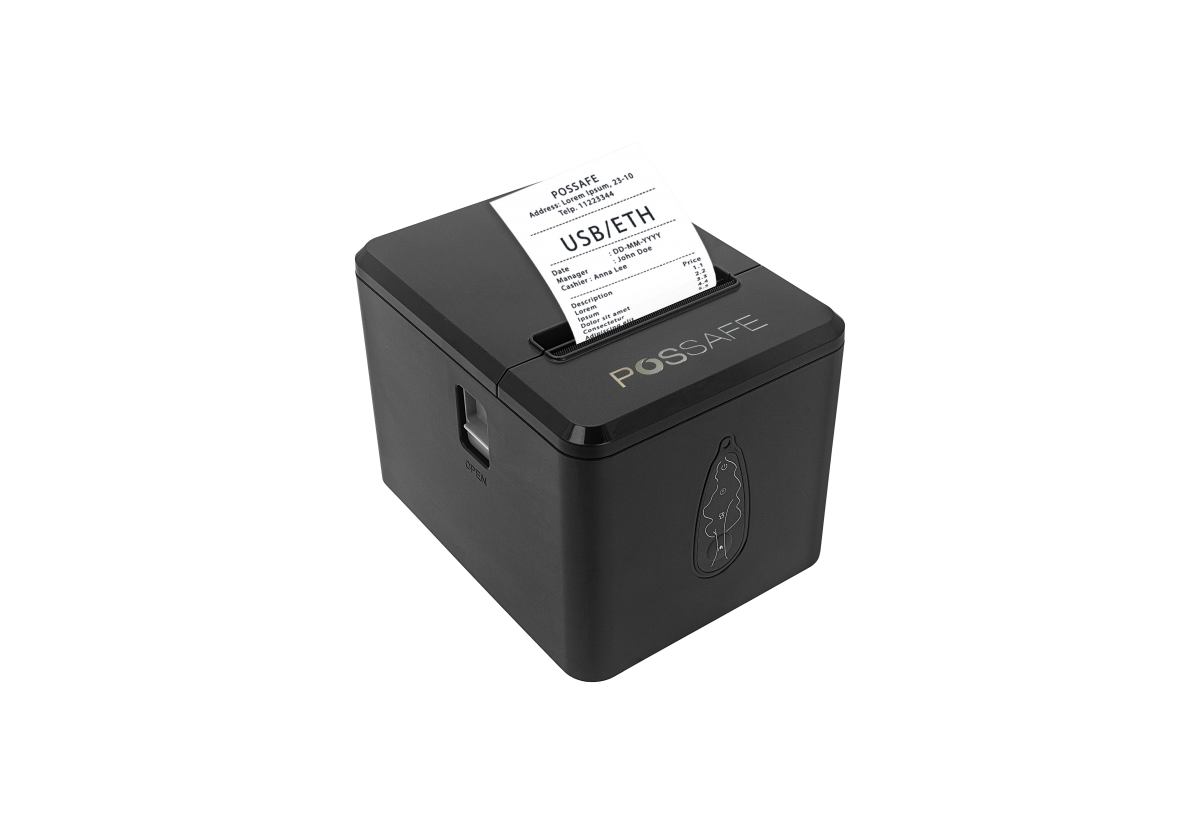
Birch CV2 Thermal Receipt Printer
- Printing
- Thermal, 80 mm
- Speed
- High-speed receipt printing
- Ports
- USB / Ethernet
- Cutter
- Automatic cutter
- Compatibility
- ESC/POS, Turkish character support (PC857)
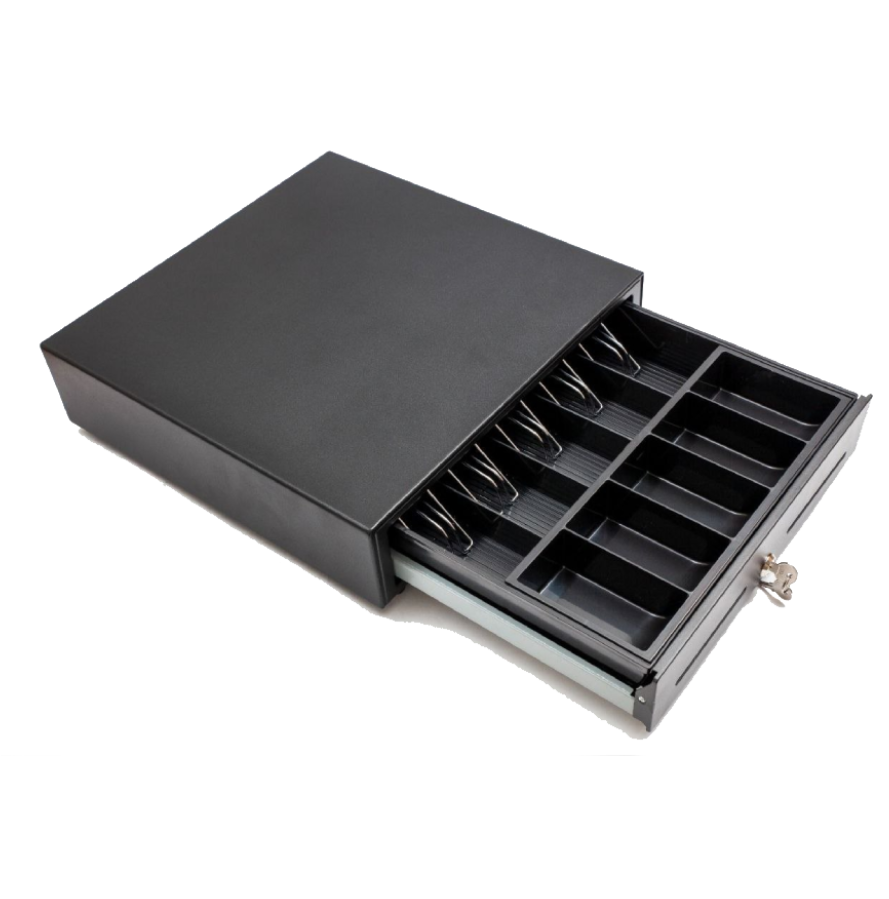
Metal Cash Drawer
- Opening
- Automatic via the printer (RJ11)
- Compartments
- Adjustable note and coin compartments
- Lock
- Key lock
- Body
- Metal, heavy-duty
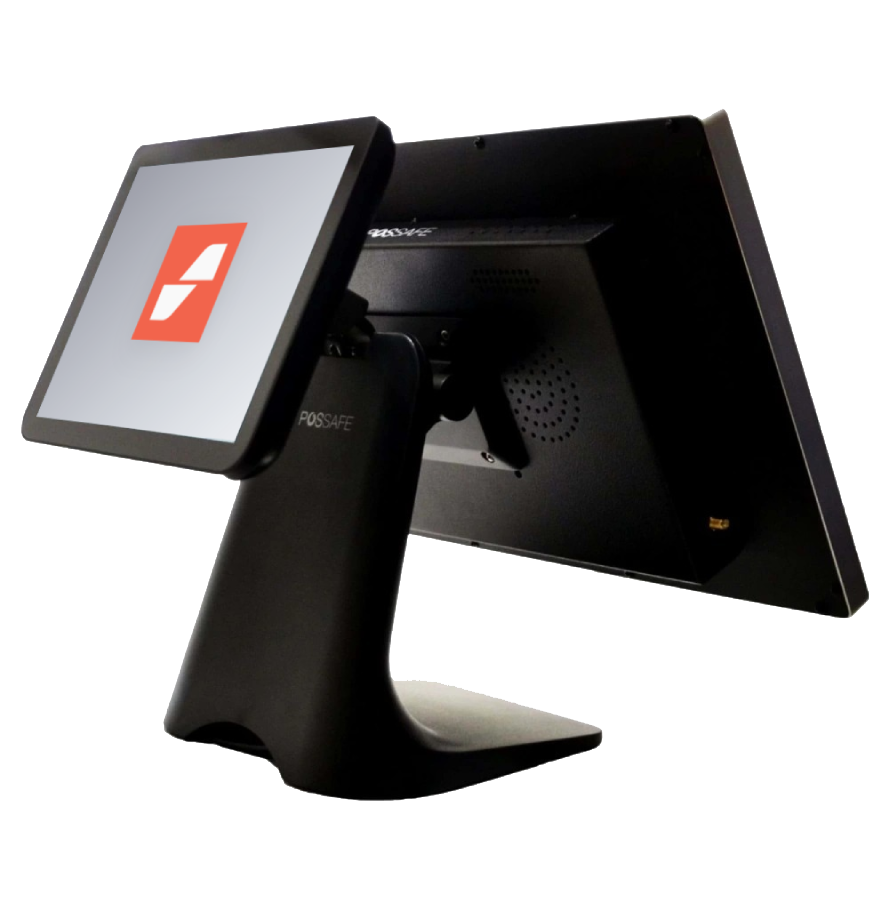
Customer display
This screen is the rear display of a POS PC; it can't be sold or used on its own.
- Use
- Mounted on the back of the POS PC
- Shows
- The live bill, amounts and payment received
- Refresh
- Instant — customers see what they pay on their own screen
POS PC + printer + cash drawer + 1-year license
The best-value way to start from scratch. Setup and training are still free.
Fiscal payment devices
The integration's annual fee is paid to the device manufacturer, not to Orderly. Integration isn't mandatory.


About hardware
No. Orderly runs in the browser, so you can use it on the computer, laptop or tablet you already have. Hardware is completely optional.
It works with ESC/POS-compatible thermal printers. Send us your printer model on WhatsApp and we'll confirm compatibility.
You can define four main till printers; on top of these, each kitchen section and each dining section gets its own printer.
No. The customer display is the rear screen of a POS PC; it can't be sold or used on its own.
It depends on stock, but devices usually reach you within a few business days. We confirm the exact timing before you order.
We do, and it's free. We connect remotely, set up your menu, stock cards and table plan, and then train your team.
Devices are covered by the manufacturer's warranty. We share the warranty period and terms before you order.
Not sure which hardware is right for you?
Tell us how your business runs and we'll figure it out together. We don't want you buying the wrong device. You can try the software free for 10 days and decide on hardware later.
Prefer to talk on the phone? +90 850 840 75 14 • Sales 09:00 – 18:00, technical support 24/7